Lesson 5. Debugging hooks 3. Debugging custom hooks
Since custom hooks are just an aggregation of classic React hooks, you can debug components using them as any other component. But React and the Devtools provide some tools, especially for custom hooks.
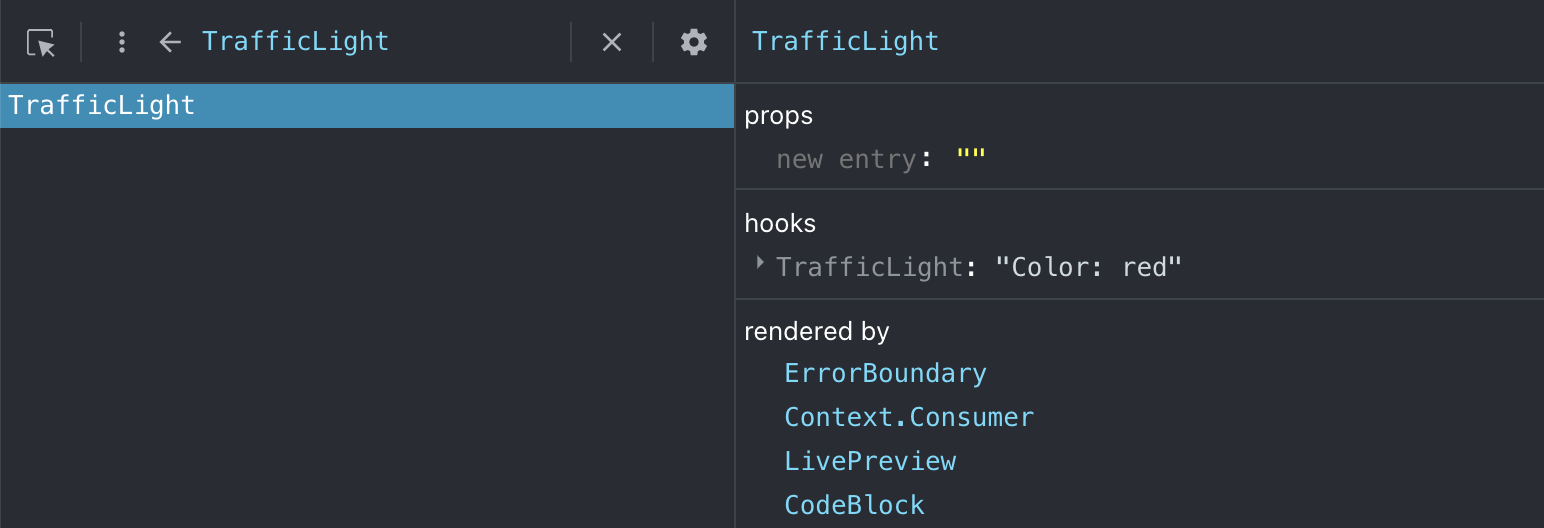
First, React displays an entry for each custom hook to group the hooks it uses. But more useful, you can display a value next to each custom hook to indicate whatever you want to help you debug it when necessary.
Let’s consider this example displaying a traffic light: red, yellow or green. When clicked, we change the color to the next one.
Result
Notice the use of useDebugValue in the custom hook useTrafficLight. We use
it to display quick debug information about the hook, here the color state.